
Download BioStat – statistical analysis, biologists, doctors, data analysis, medical research, regression analysis, correlation coefficient, survival analysis, non-parametric tests, spreadsheet interface
Overview
BioStat 2007 is a specialized application developed for professionals in the medical and biological sciences who require robust tools for statistical and graphical data analysis. Designed with the needs of doctors and biologists in mind, the app serves as a comprehensive platform for conducting advanced analytical tasks critical to research, clinical evaluation, and scientific reporting. It enables users to calculate correlation coefficients, test variables for normality, and execute a range of non-parametric statistical tests—including 2x2 contingency tables, data correlation, and comparisons between independent samples.
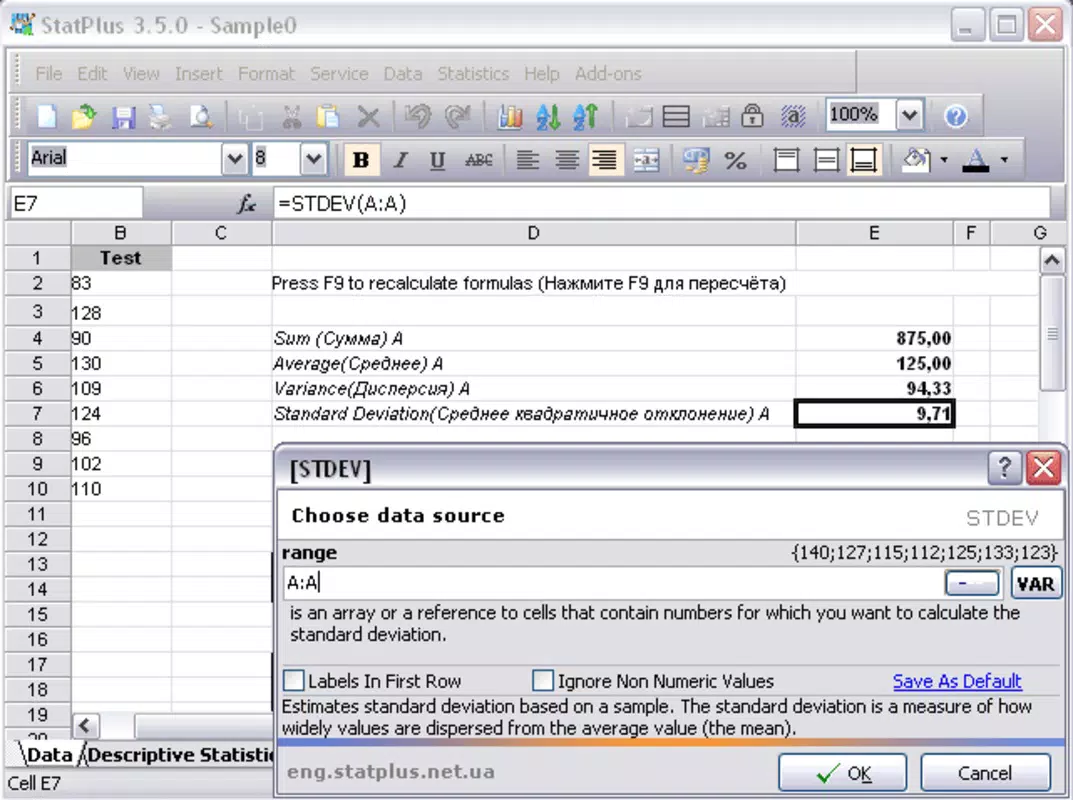
The software also supports regression analysis, including linear, logistic, and stepwise models, as well as survival analysis using Cox regression and probit methods. These features make BioStat 2007 particularly valuable in medical research, epidemiological studies, and laboratory data interpretation. The app operates on a spreadsheet-like interface, which streamlines data input and analysis for users familiar with tabular data formats.
Although the developer did not provide additional technical details, the application’s longevity since its release in 2007 suggests a stable, well-tested foundation. It fills a niche in the educational and professional software ecosystem by offering a focused, no-frills tool for statistical validation in life sciences. Its targeted functionality makes it a practical asset for academic institutions, research labs, and clinical professionals seeking reliable analytical support.
Key Features & Functionality
- Correlation Coefficient Calculation: Enables precise measurement of linear relationships between two variables, essential for identifying trends in biological and medical datasets.
- Normality Testing: Offers tools to assess whether sample data follows a normal distribution, a foundational step in selecting appropriate statistical tests.
- Non-Parametric Tests: Supports analysis of data that does not meet assumptions of parametric methods, including chi-square tests, Mann-Whitney U, and Kruskal-Wallis tests.
- Regression Analysis: Facilitates linear, logistic, and stepwise regression modeling, allowing users to predict outcomes based on multiple independent variables.
- Survival Analysis: Implements Cox proportional hazards regression and probit analysis for time-to-event data, commonly used in clinical trials and patient outcome studies.
- Spreadsheet Interface: Provides a familiar grid-based layout for data entry and manipulation, reducing the learning curve for users accustomed to spreadsheet software.
- Graphical Output: Generates visual representations of statistical results, aiding in interpretation and presentation within research reports.
For example, a biologist analyzing gene expression levels across different treatment groups can use non-parametric tests to compare results without assuming normal distribution. A doctor evaluating treatment efficacy over time may apply Cox regression to model patient survival rates. The spreadsheet interface ensures that data can be imported, cleaned, and analyzed efficiently. While the developer did not specify advanced automation or integration features, the app’s focus on core statistical functions ensures accuracy and reliability for targeted use cases. Its functionality remains relevant in academic and clinical settings where precision and compliance with statistical standards are paramount.
Interface, UX & Performance
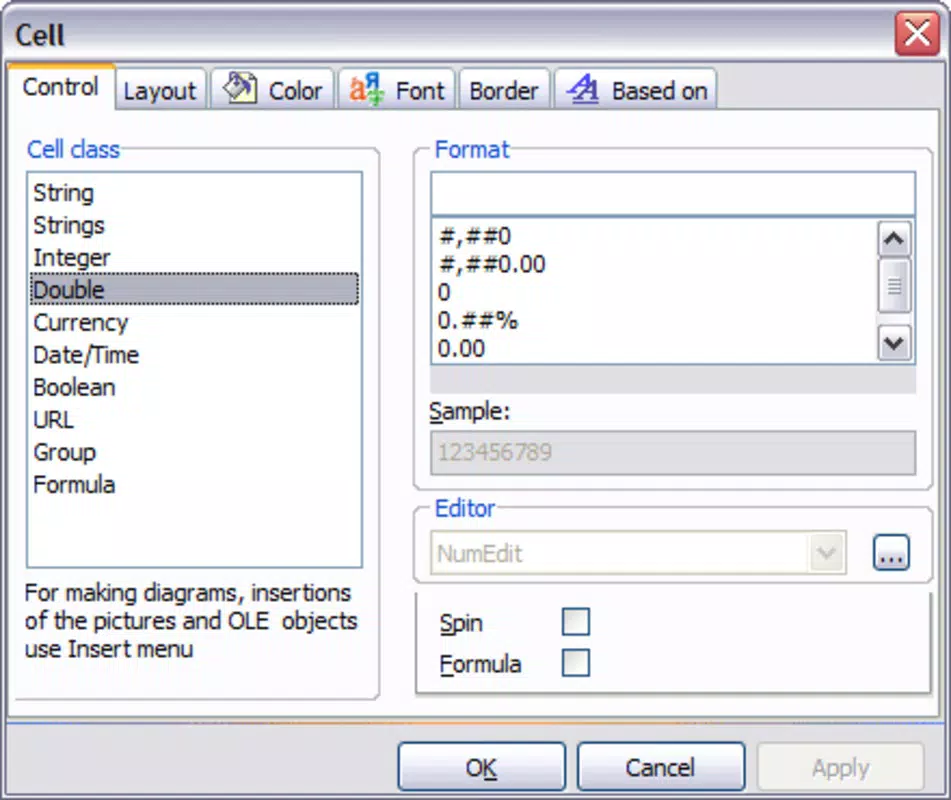
BioStat 2007 employs a spreadsheet-style interface, which provides a straightforward layout for data entry and analysis. The visual design prioritizes functionality over aesthetic refinement, reflecting its professional, tool-oriented purpose. Navigation is based on menu-driven workflows and tabular data management, making it accessible to users with prior experience in statistical software.
While the developer did not list formal performance metrics, the application’s stability over more than 15 years suggests consistent operation under standard computing conditions. The interface responds to user inputs with predictable behavior, and data processing appears to be handled efficiently for typical datasets. Although the developer did not specify compatibility with high-resolution displays or touch-based interaction, the app functions on traditional desktop environments.
Responsiveness is expected to be adequate for standard analytical tasks, though users working with large datasets may experience delays depending on system configuration. Stability appears to be a strength, given the app’s long-standing presence. However, the absence of modern UI enhancements—such as dark mode, customizable dashboards, or real-time collaboration—may affect user experience for newer professionals accustomed to contemporary software.
Overall, the UX remains functional and focused, aligning with its target audience’s need for precision over polish.
Platform Compatibility & Technical Requirements
BioStat 2007 is designed for the Windows operating system. The software has a file size of 12.5 MB, indicating a lightweight installation footprint. The application was released on May 10, 2007, and its current version is labeled as 2007.
Specific minimum OS requirements were not listed by the developer. Compatibility with modern Windows versions—such as Windows 10 or 11—has not been confirmed. The developer did not provide information about processor architecture, RAM, or disk space requirements.
Users should exercise caution when installing on newer systems, as legacy applications may encounter compatibility issues with updated drivers, security protocols, or system APIs. While the app may run via compatibility modes or emulation, this is not guaranteed. No mobile or cross-platform versions are currently available.
For users seeking a mobile solution, this software is not suitable. The lack of updated technical specifications limits transparency, but the app’s continued availability suggests it remains functional in supported environments.
Pros and Cons
Pros
- Specialized for medical and biological research with relevant statistical tools.
- Offers advanced features such as Cox regression and probit analysis.
- Spreadsheet interface familiar to data analysts and researchers.
- Lightweight file size of 12.5 MB.
- Long-standing reliability and stability since 2007.
- Cost-effective for niche professional use at $49.95.
Cons
- No mobile or iOS/Android version available.
- Outdated interface lacking modern UX enhancements.
- Compatibility with current Windows systems not confirmed.
- Developer did not disclose system requirements or update history.
- No integration with cloud storage or collaborative tools.
- Not suitable for users without statistical or data analysis background.
FAQ
Is BioStat 2007 compatible with Windows 10 and Windows 11?
The developer did not specify compatibility with Windows 10 or 11. While the app may run on newer systems using compatibility modes, this is not guaranteed.
Can I install BioStat on a Mac or Linux system?
BioStat 2007 is designed exclusively for Windows. No versions for Mac or Linux were provided by the developer.
Is the app secure to download and use?
As a legacy application, BioStat 2007 may not receive security updates. Users should scan the file with antivirus software before installation and ensure it comes from a trusted source.
Does BioStat offer automatic updates?
The developer did not provide information about update mechanisms. The app has not been updated since its original release in 2007.
Can I use BioStat for educational purposes?
Yes, the app is suitable for teaching statistical methods in biology and medicine, particularly for hands-on analysis using real-world datasets.
Final Thoughts
BioStat 2007 remains a dependable tool for professionals in medicine and biology who require precise statistical analysis without the complexity of general-purpose software. Its focus on regression, correlation, non-parametric testing, and survival analysis makes it a valuable asset in clinical and research environments. While the interface and technical specifications are outdated, its core functionality continues to serve its intended audience effectively.
The lightweight design and affordable price point enhance its accessibility. However, users should be aware of potential compatibility challenges on modern systems and the absence of mobile support. For researchers and clinicians who prioritize accuracy and functionality over modern aesthetics, BioStat 2007 delivers consistent value.
Download BioStat now


